


The complete guide
A Practical Guide to Choosing the robot vacuum
Dust and crumbs rarely wait for a convenient cleaning day. When floors need attention between bigger cleans, getting the vacuum out can feel like another job on an already full list. A robot vacuum offers a way to share some of that regular work.
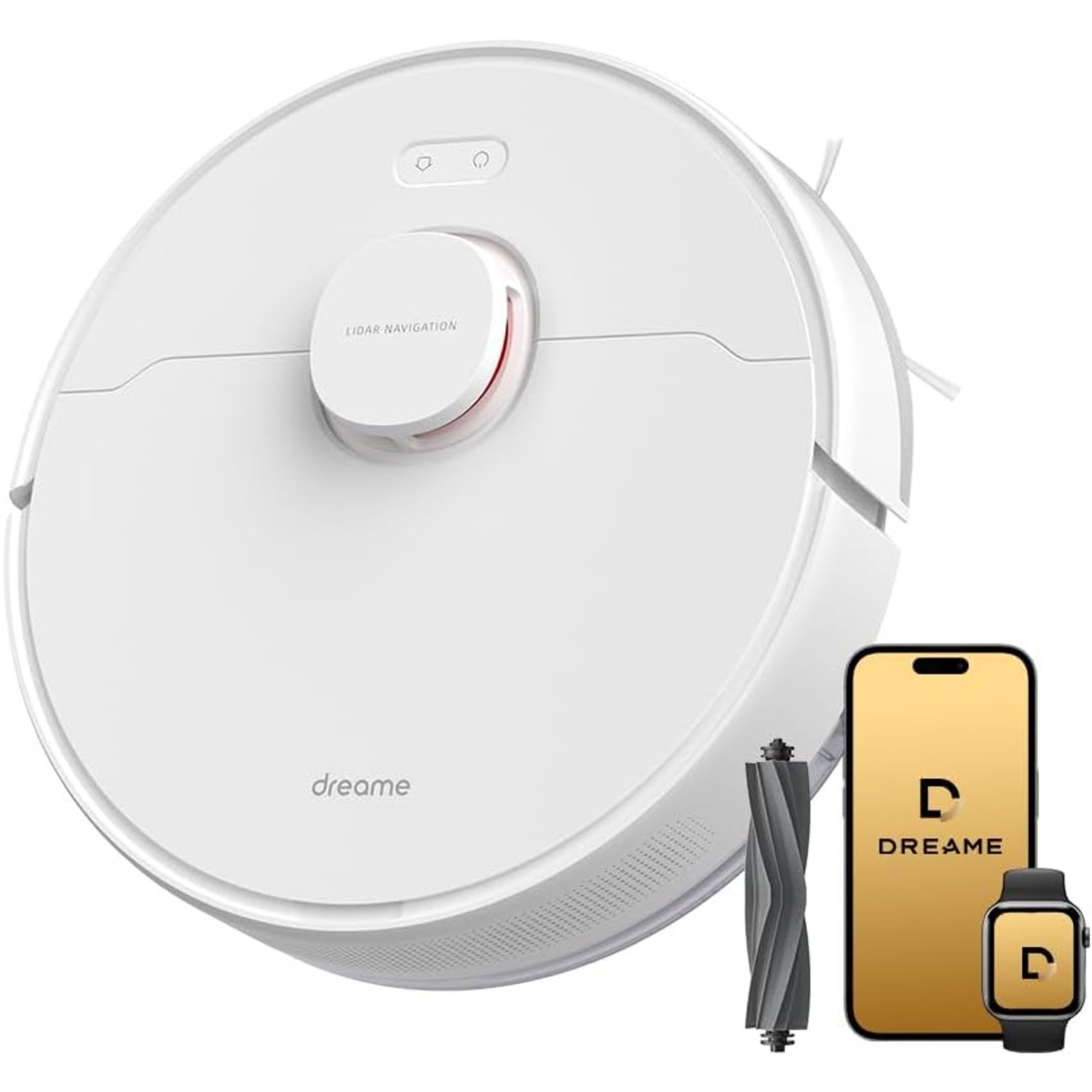
The robot vacuum combines vacuuming and mopping with LiDAR navigation, smart mapping and app control. It is listed for indoor use on carpet and hard floors. Those features make it worth considering for routine floor care, but the right choice depends on your rooms, your flooring and what you expect it to handle.
This guide explains what the maker's details tell you, what still needs checking and how to judge whether this model fits your home.
Start with the cleaning you actually need
Think about where dirt tends to collect. It might be crumbs around the dining table, dust in a hallway or debris across a living-room carpet. A robot floor cleaner is most useful when those areas are accessible and can be kept reasonably clear.
It still needs a workable floor space. Loose cables, small toys and stray clothing should be picked up before a cleaning run. A robot cannot tidy those items for you, and leaving them out adds avoidable obstacles.
Also consider the cleaning you will keep doing yourself. Stairs, upholstery and awkward corners still call for other tools. Treat the robot vacuum as help with regular floor cleaning, rather than a replacement for every vacuuming or mopping task in the house.
That expectation gives you a more useful way to compare features. Ask whether it can help with your normal week, not whether it promises a completely hands-off home.
What LiDAR mapping brings to the job
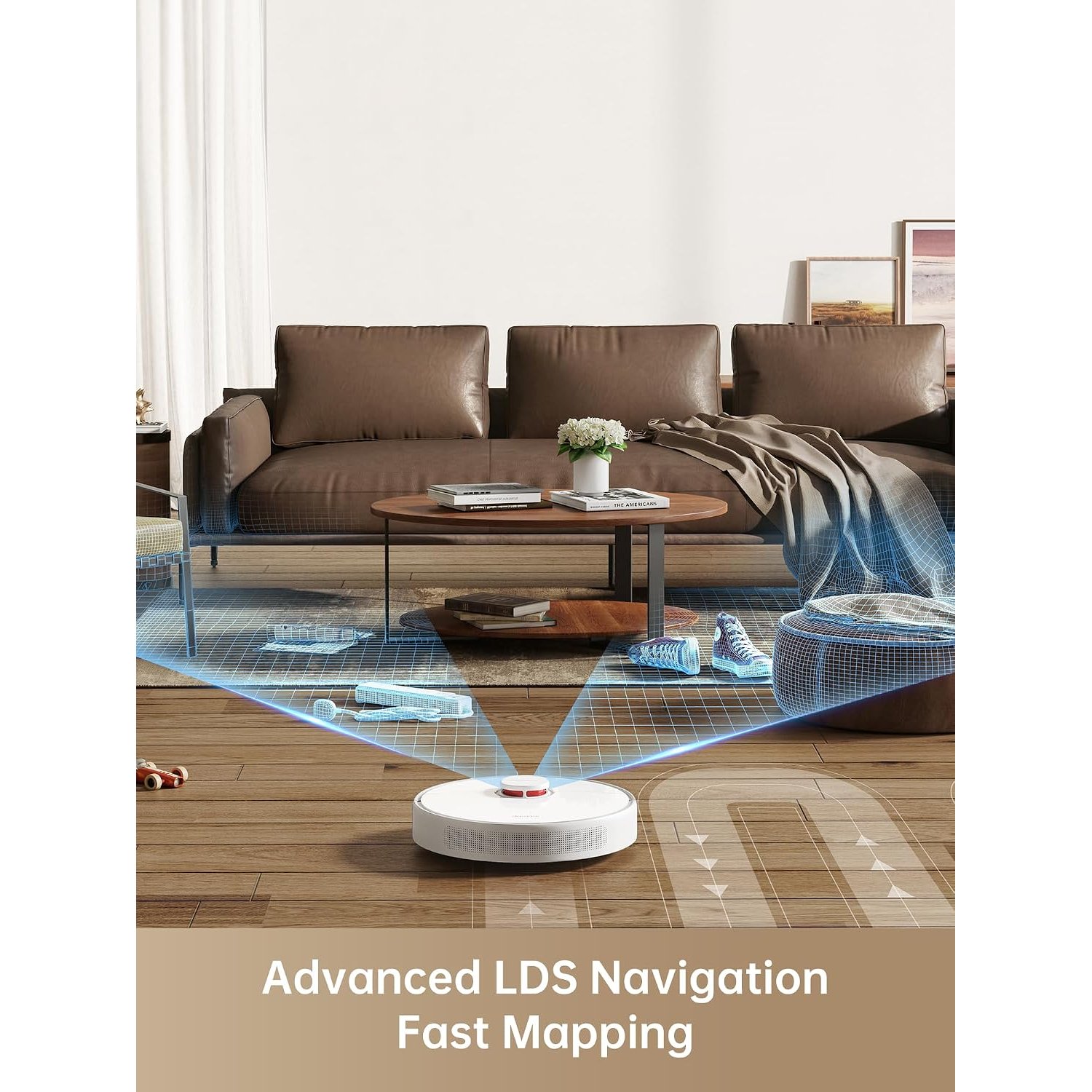
The robot vacuum lists LiDAR navigation and smart mapping. These features help the robot work with a map of the cleaning area rather than relying only on contact with nearby obstacles.
For someone comparing a robot vacuum with lidar, the main point is control over how cleaning relates to the room layout. Mapping provides a basis for features such as the listed no-go zones.
The maker's description also includes multi-floor mapping. This is relevant if you want to use the robot on more than one level, though the number of saved maps is not given by the maker.
Do not confuse map support with physical access. You will still need to move the robot between storeys. Stair climbing and threshold-crossing heights are not stated, so check access requirements separately if your home has raised transitions or split-level rooms.
Use no-go zones thoughtfully
A robot vacuum with no-go zones gives you a way to mark areas that should be left out of cleaning. That can be helpful when parts of a room are not suitable for a cleaning run.
Before setting boundaries, walk through the space and decide what should stay clear. It is easier to make sensible choices when you have looked at the room from floor level, including the spaces around chair legs and low furniture.
The maker does not explain the app's boundary tools or how those settings apply during mopping. Check the manufacturer's guidance before depending on a particular arrangement.
Digital boundaries are useful controls, but they do not replace preparing the floor. Remove hazards and make sure the cleaning area is suitable before starting the robot.
Match vacuuming and mopping to your floors
Carpet and hard floor are both listed recommended surfaces. That makes the robot vacuum a candidate for homes with mixed flooring, but broad surface labels do not answer every care question.
If you are choosing a robot vacuum for carpet, check the type of carpet you own. The maker does not state a maximum pile height or give guidance for fringed rugs. Delicate floor coverings deserve a separate compatibility check.
For a robot vacuum for hard floors, mopping suitability matters just as much as vacuuming. Some flooring has strict limits on moisture. Follow the flooring manufacturer's care advice, especially where boards, joints or surface finishes may be sensitive.
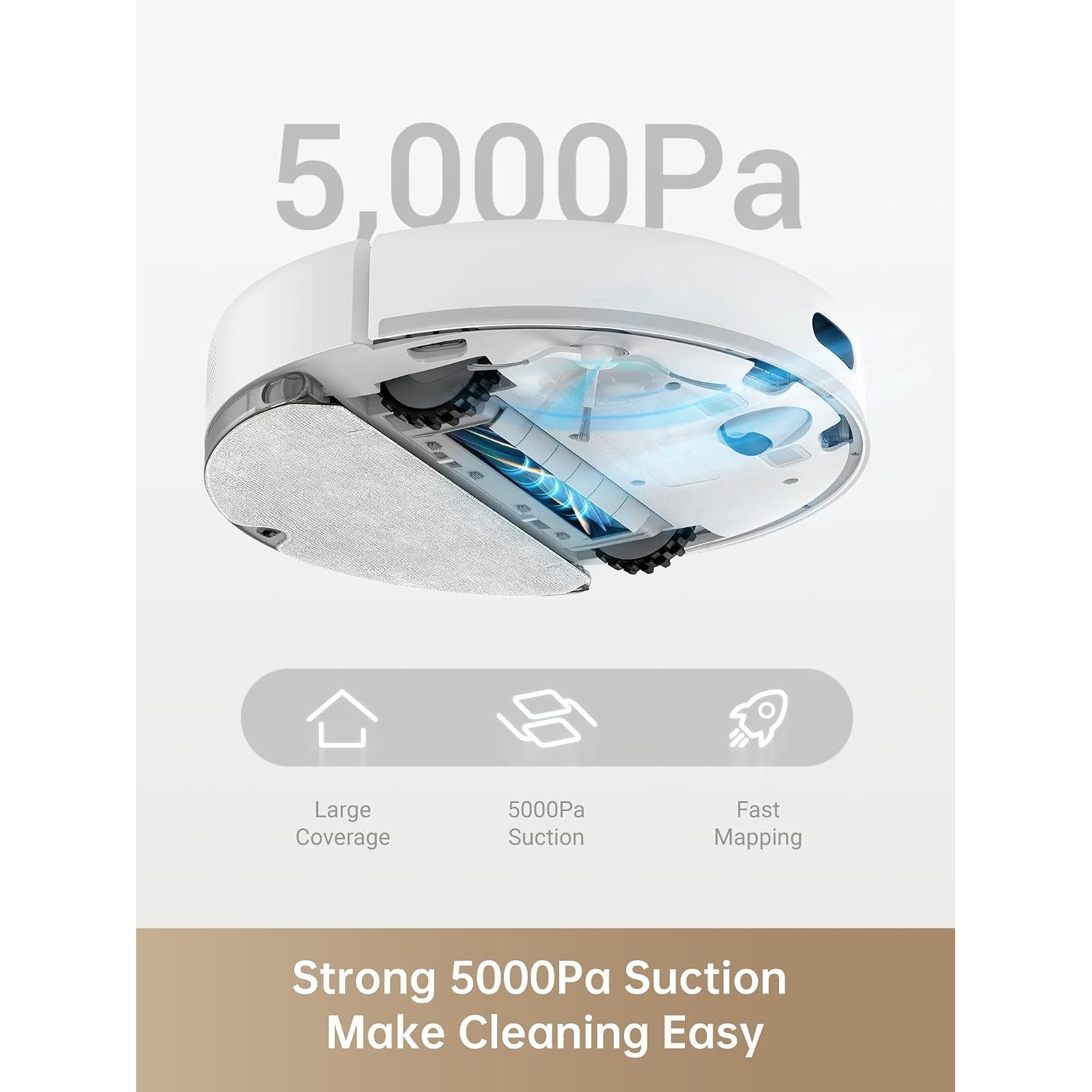
The mop design, tank capacity and water settings are not specified by the maker. Automatic mop lifting is also not stated. If you need a particular method of protecting carpets during mopping, confirm that feature before ordering.
Look beyond the suction number
The maker gives a suction figure of 5,000 Pa and describes a bristleless rubber brush. Those are useful specifications, but suction alone does not tell you how every floor will look after a pass.
Floor texture, debris type and brush condition all matter in everyday use. A tidy, accessible room also gives the cleaner a better working area than one filled with loose objects.
A robot vacuum with rubber brush still needs regular checks. Hair and debris can collect around moving parts, so inspect the brush according to the manufacturer's instructions. A brush design is not a promise of maintenance-free cleaning.
HEPA is the stated filter type. No filter grade or efficiency result is given. If you are comparing a robot vacuum with HEPA filter for a particular health need, ask for the relevant filtration information rather than making assumptions from the name alone.
Read runtime and noise claims with care
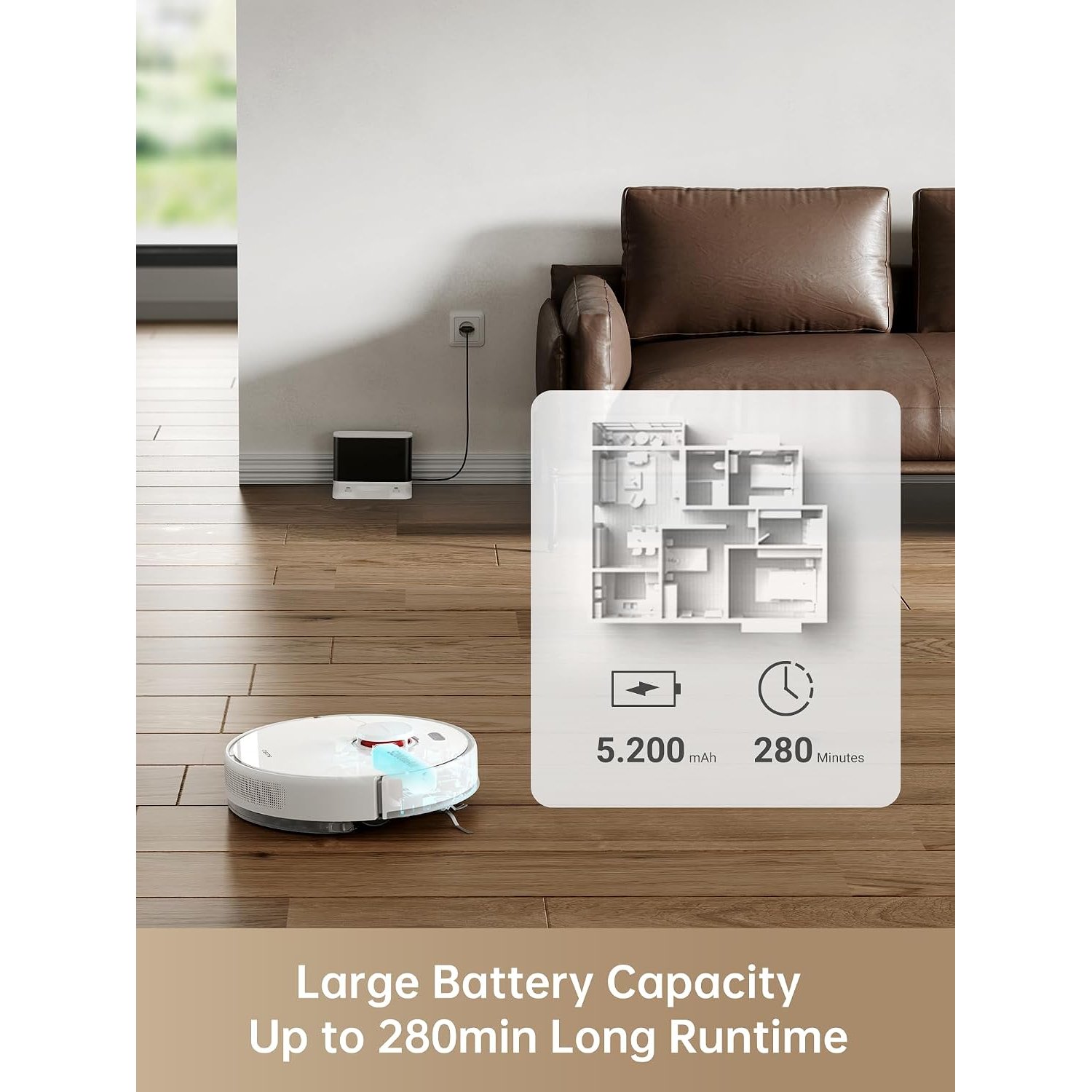
The stated battery life is 280 minutes, and the included battery is lithium ion. That runtime is a useful reference point, but the maker does not describe the test conditions behind it.
Avoid turning a runtime figure into a guaranteed room count or floor-area claim. The maker supplies neither of those measurements. Charging time is also unknown, so check it if you expect several cleaning sessions close together.
Low noise is another stated feature. There is no decibel figure, which means the maker's description cannot support a precise comparison with another cleaner.
If you want a low noise robot vacuum for use while working at home, think about when and where it will run. Even a model described as low noise should not be treated as silent. Choose cleaning times that make sense for your household.
Check app and voice-control requirements
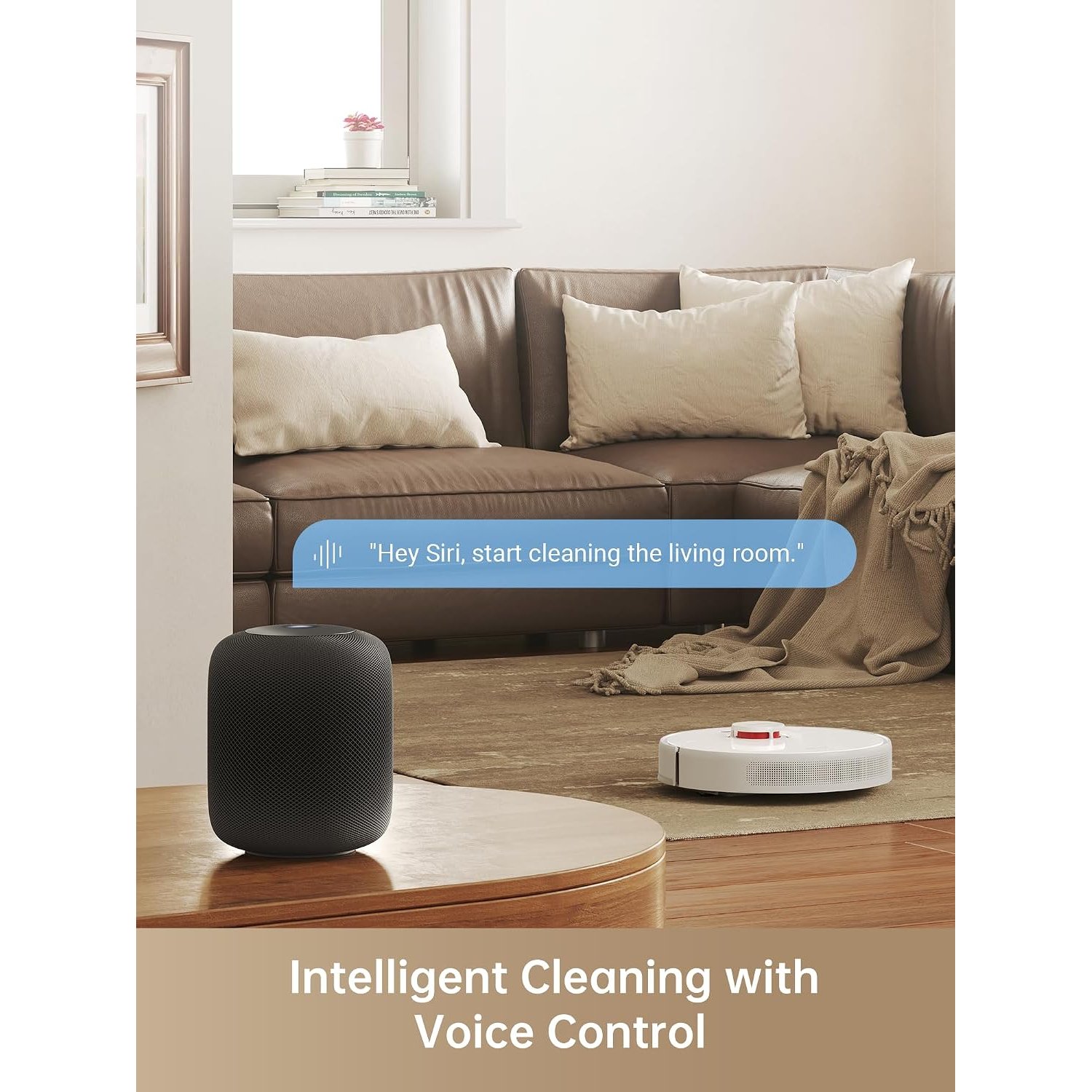
App control is part of the robot vacuum specification. Google Assistant is listed as a controller, and Amazon Echo and Google Home are named as compatible devices.
For an app controlled robot vacuum, setup is part of the buying decision. Check the current phone, account and network requirements before purchase. Those details are not given by the maker by the maker.
The same care applies if you are looking for a Google Home robot vacuum. Compatibility does not tell you the full list of supported voice commands. Confirm the functions you expect to use rather than assuming every app control has a voice equivalent.
Think about who will manage the appliance, too. If several people share cleaning duties, agree who will handle setup, changes to maps and routine maintenance. That small decision can prevent confusion later.
Measure the spaces that matter
The product details give dimensions of 35 × 35 × 9 cm. Use those measurements to check furniture gaps and narrow routes before buying.
Height is often the first concern. A sofa with exactly 9 cm underneath does not provide comfortable spare clearance for a unit listed at 9 cm high. Measure the lowest point, including any fabric or supports that hang below the frame.
Width matters around chair legs and between furniture. Look for routes the robot can reasonably use, rather than checking only the open centre of a room.
Weight is not specified. If you plan to carry this multi-floor mapping robot vacuum upstairs often, confirm that detail first. Also check charging-equipment requirements and placement instructions, since a complete accessory list is not available here.
Plan for a little regular care
A cleaning appliance needs cleaning itself. Empty collected debris regularly and inspect the brush and wheels for caught material. Switch the unit off before working around moving parts.
Keep sensors and charging contacts clean using a soft, dry cloth, following the manufacturer's directions. Avoid spraying liquid onto the robot or assuming that removable parts can all be rinsed.
The filter's washability is not stated. Only wash components that the manufacturer identifies as washable, and allow them to dry fully before fitting them again.
For mopping, check instructions on water, cleaning solutions and mop care. Household floor detergent should not be added unless it is approved for the appliance. Good care is usually a short, repeated habit rather than a large job left until performance drops.
Confirm the missing details before checkout
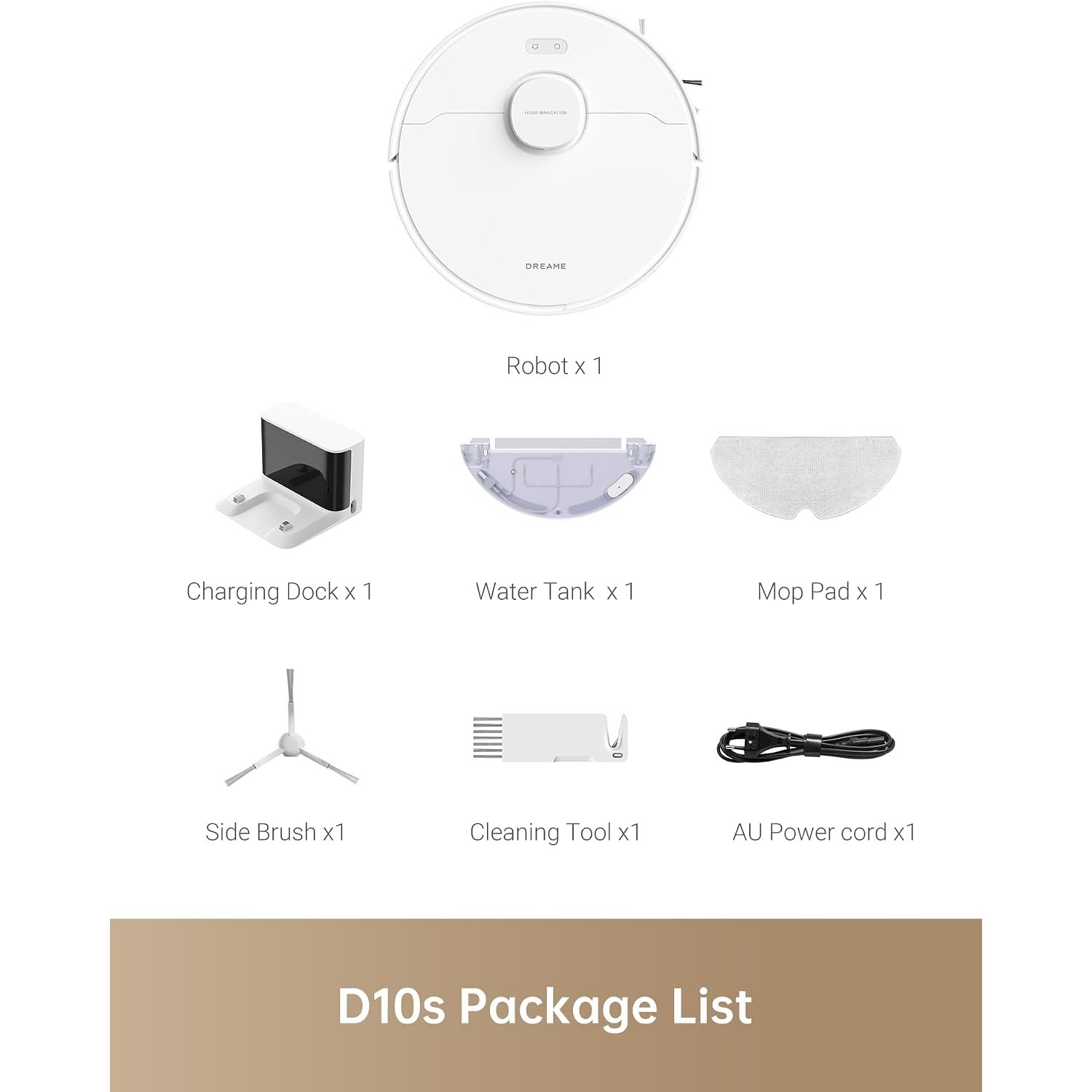
The stated features give a clear outline of this model, but some buying details remain open. The only expressly listed included component is the battery. Confirm the full box contents, including charging equipment and any mop accessories.
If buying as a gift, ask about the recipient's floors and willingness to use an app. A smart mapping robot vacuum is a more useful gift when it fits both the home and the person using it.
The short version
The robot vacuum offers vacuuming and mopping, LiDAR mapping, no-go zones and app control. It lists carpet and hard-floor suitability, 5,000 Pa suction and a 280-minute battery life.
Choose it by matching those features to your actual rooms. Confirm floor-care limits, furniture clearance, setup needs and supplied accessories first. With realistic expectations and regular care, you can judge its place in your cleaning routine without relying on promises the maker does not make.